

01
Universal device support
Configure and manage the full Makersan product family — Hitch, IO, Sensor Node, USB2CAN and HMI — from one application.
Makcon is Makersan's all-in-one configuration and diagnostics platform for the full range of CAN bus and embedded products — Hitch, IO, Sensor Node, USB2CAN and HMI devices. Configure parameters over J1939 or CANopen, push encrypted firmware updates through a secure UDS-based bootloader, and watch live CAN traffic in real time.
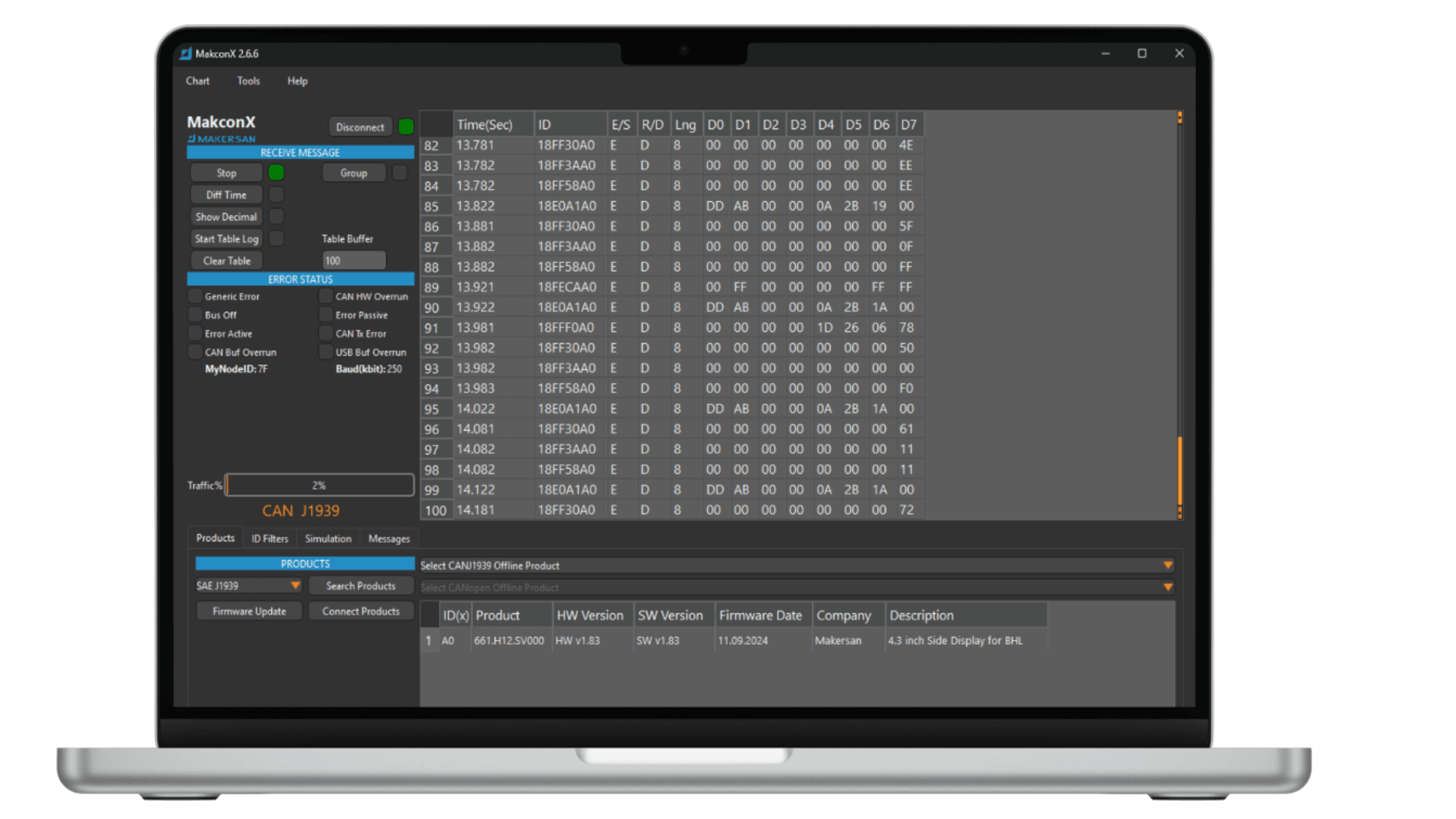
Instead of juggling separate tools for setup, firmware updates and troubleshooting, Makcon brings the entire Makersan product family together — with XML-based import/export so configurations move easily between machines and teams.
Built for engineers who need reliability in the field and in the lab.
Configure and manage the full Makersan product family — Hitch, IO, Sensor Node, USB2CAN and HMI — from one application.
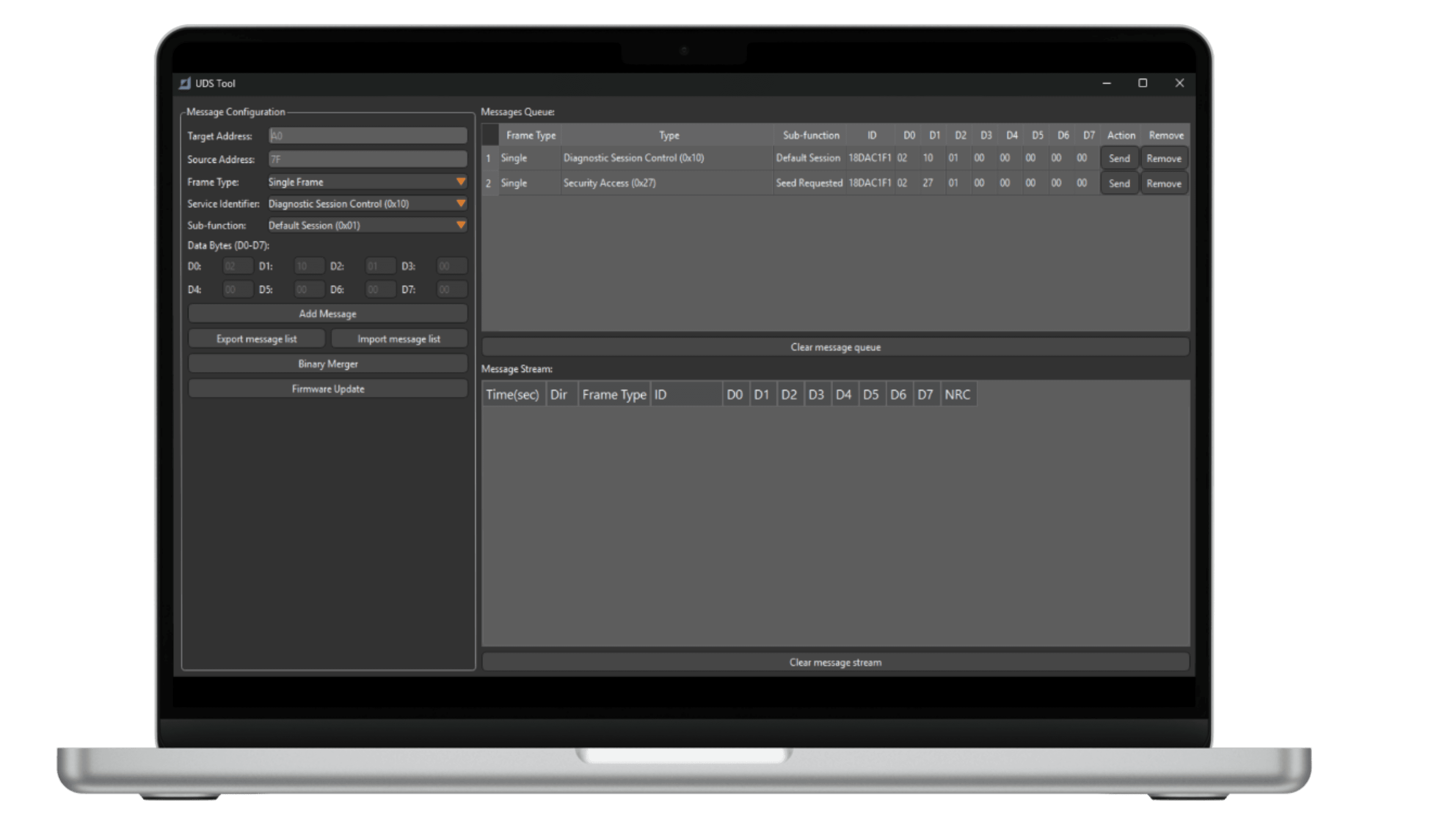
Encrypted, UDS-based bootloader with session and reset control, plus purpose-built binary merging tools.
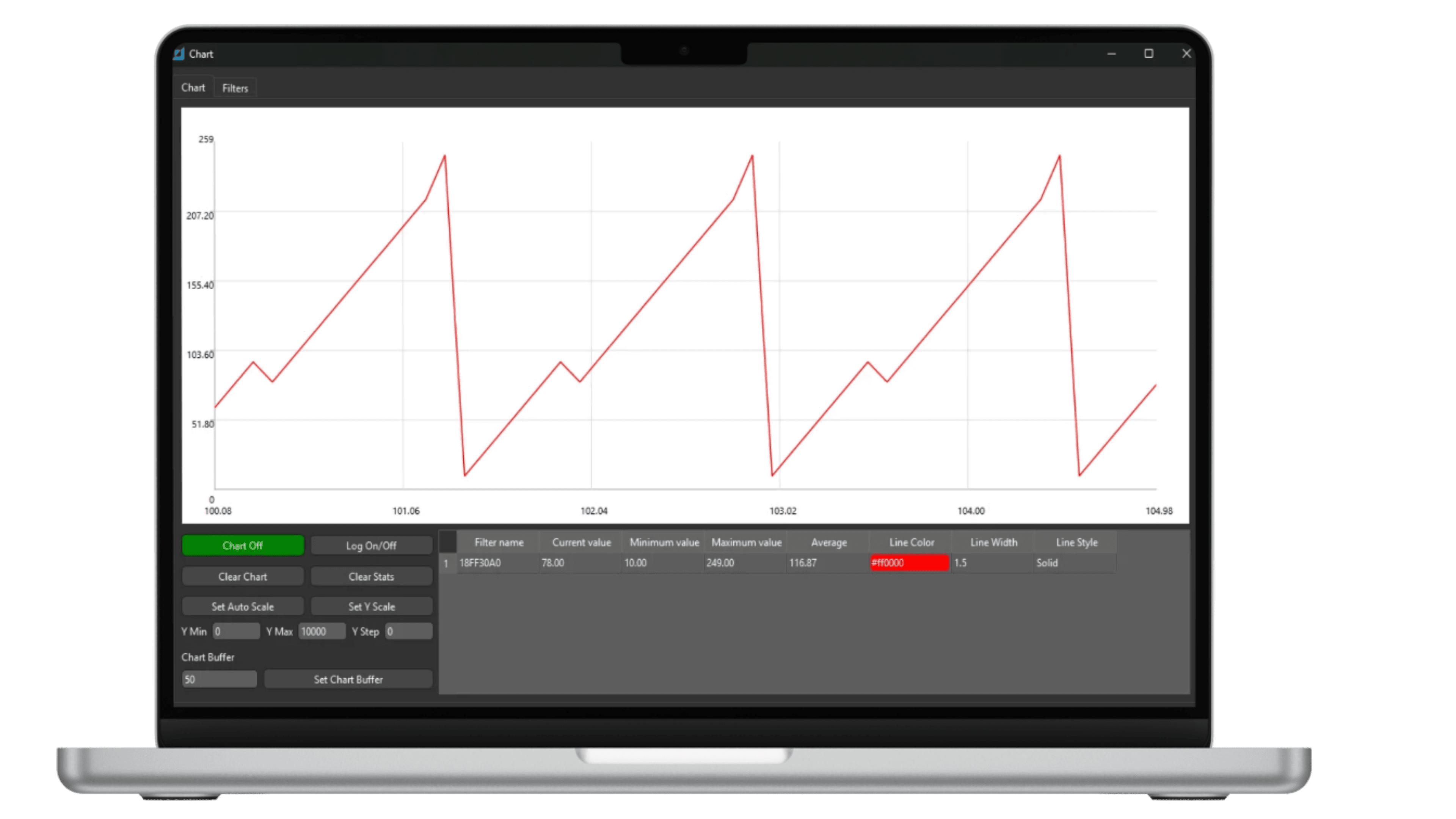
Real-time message tables and charts, J1939/CANopen decoding, CAN FD support and CSV export/logging.
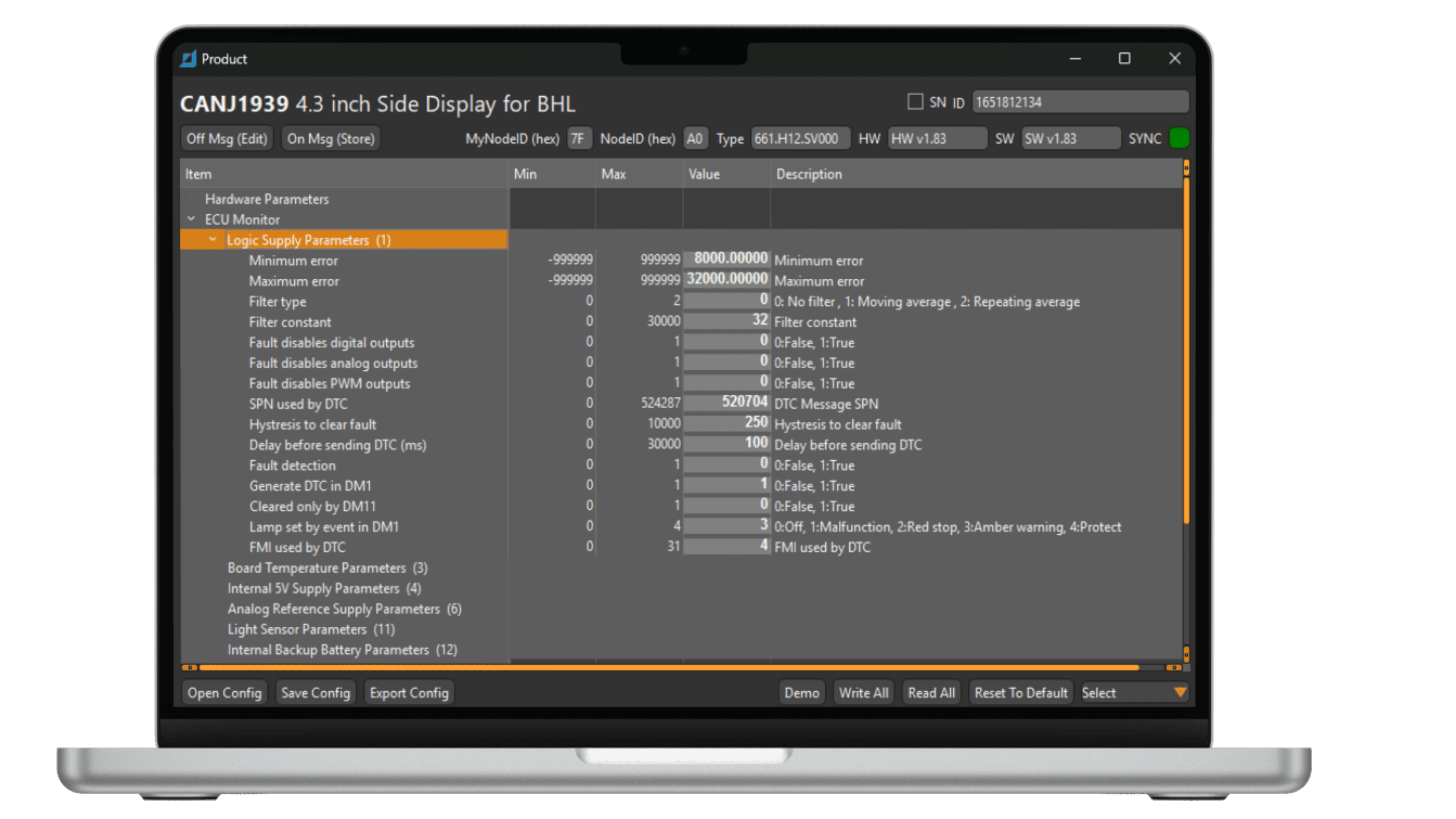
Read and write device parameters with validation, XML import/export and multi-device search across your network.
Simulate and replay recorded CAN sessions at real-time or accelerated speed.
A multi-language interface available in 30+ languages, ready for customers and integrators worldwide.
The views engineers work in every day — a validated parameter tree per device, live signal charts and a dedicated UDS tool for diagnostics and firmware.
Talk to us about device support, licensing and integrating Makcon into your workflow.